The Ultimate Guide to MagicBand+ at Disneyland: Convenience, Magic, and Faster Lines
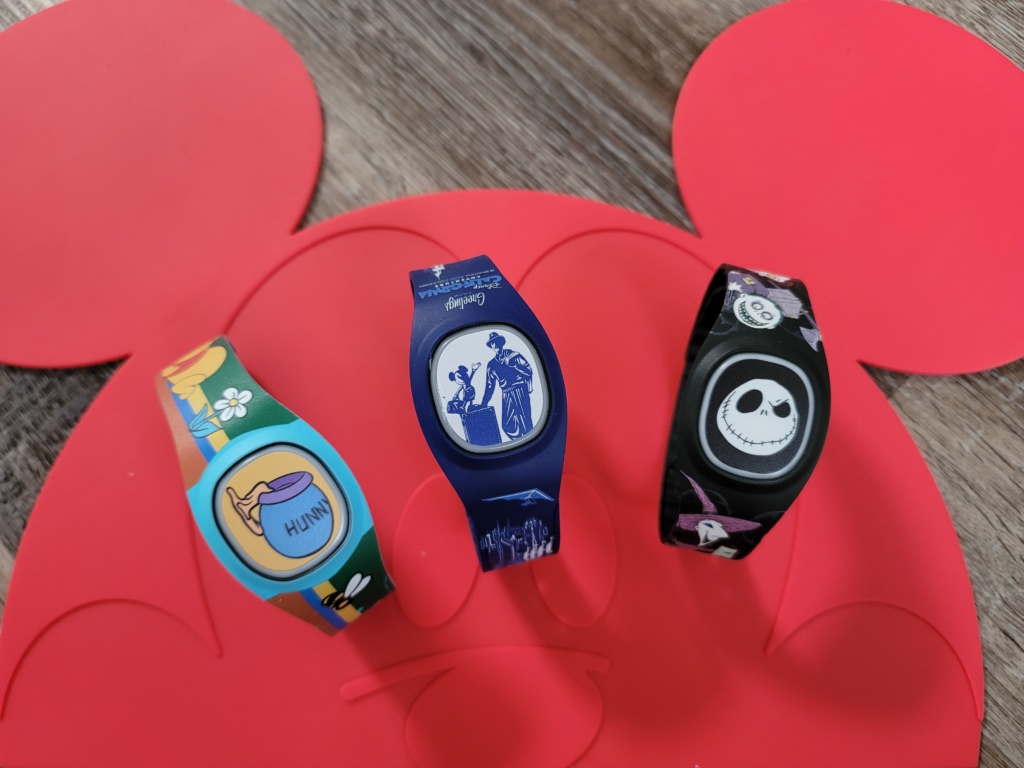
If you haven’t made the leap to these interactive wristbands yet, you might be wondering if they are really worth the investment. Today, we’re diving into exactly how to use a MagicBand+, why it adds a whole new layer of fun to your day, and how it is an absolute game-changer for navigating the ride queues.
Getting Started: How to Use Your MagicBand+
Getting your band park-ready is incredibly straightforward. Once you purchase your MagicBand+, you will need to link it to your Disneyland app.
- Power It On: Charge fully and then press the button on the back of the band.
- Pair with Your Phone: Open the Disneyland App, navigate to the MagicBand+ section, and follow the on screen prompts to pair it via Bluetooth.
- Link Your Ticket: Assign your park ticket or Magic Key to the band.
- Keep It Charged: The band comes with a proprietary USB charging cable. Make sure you charge it fully each night!
Once you are at the gates, just hold the glowing center of the band up to the Mickey shaped touchpoints to enter the park. It’s that simple!
The Fun Factor: Adding Extra Magic to Your Day
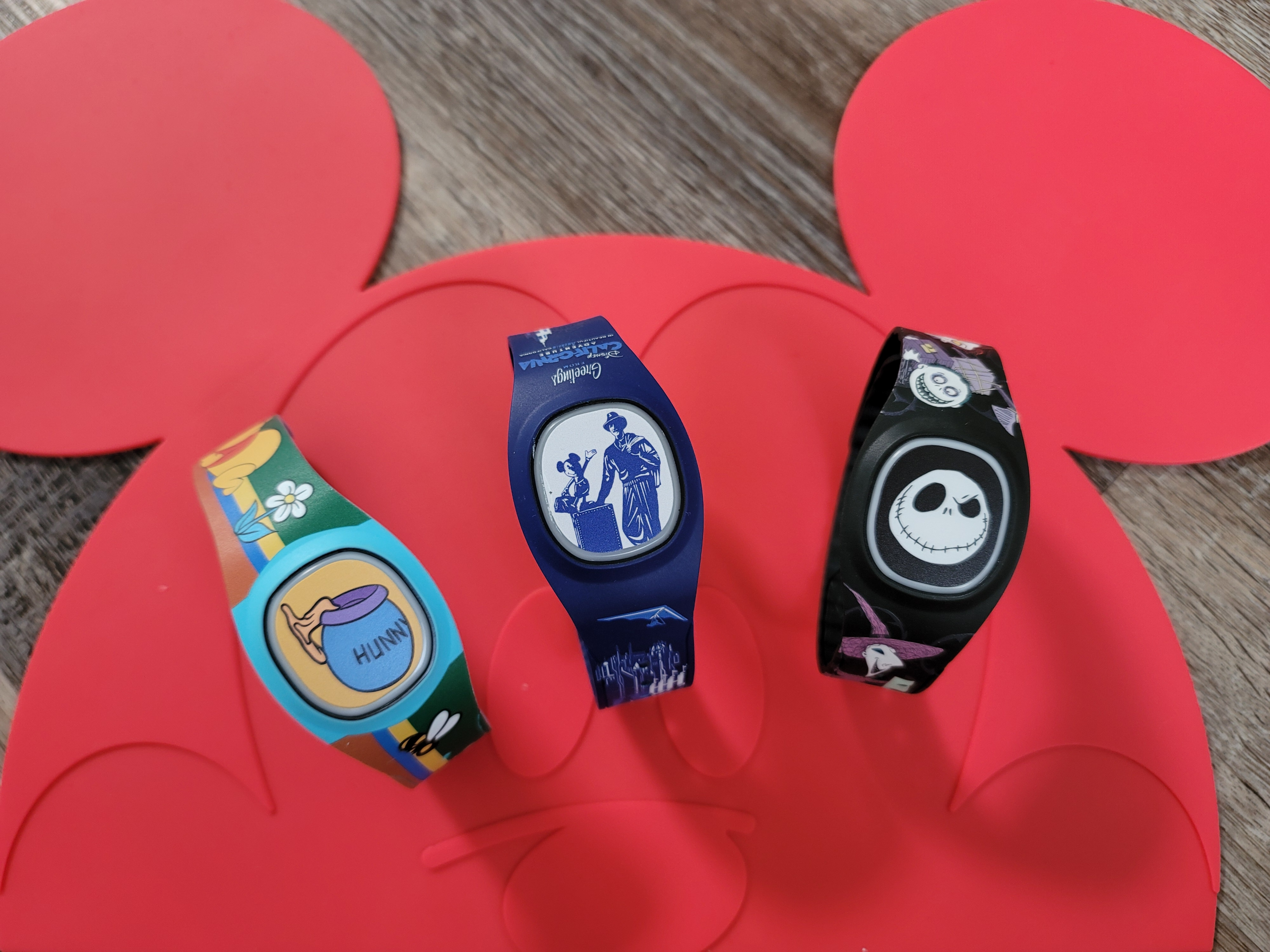
MagicBand+ isn’t just a practical tool; it’s an interactive park companion. My six yr old and two yr old were completely mesmerized when their wrists lit up in vibrant colors and pulsed with haptic vibrations in perfect sync with the nighttime spectaculars like World of Color and Wondrous Journeys. We have multiple bands (to match the day lol) so we put an extra on the two yr old. She doesn’t need a ticket but that’s how fun these bands are!

Beyond the fireworks, the bands interact with various elements around the parks. You can use them to collect virtual bounties in Star Wars: Galaxy’s Edge or trigger special lights, sounds, and interactive moments at various anniversary statues scattered throughout the resort. It brings an entirely new, hands on dimension to exploring the parks.
Unmatched Convenience for Lightning Lane Multi Pass & DAS
When it comes to optimizing Lightning Lane Multi Pass, every second counts. Before MagicBand+, redeeming a return time meant pulling out your phone, opening the app, swiping to find everyone’s barcodes, and awkwardly holding your screen under the scanner while trying not to drop it.
With MagicBand+, your phone can stay safely in your bag. Whether you are redeeming a Lightning Lane Multi Pass reservation or returning for a Disability Access Service (DAS) time, the process is identical and entirely hands free. You simply tap your wrist against the glowing touchpoint at the Lightning Lane entrance, wait for the light to turn green, and walk right in.
Keeping the Lines Moving
Let’s be real: anything that gets us onto the rides faster is a massive win. The ease of scanning into the rides with a MagicBand+ doesn’t just benefit you; it benefits everyone in the park.
Because guests no longer have to fumble with dead cell phone batteries, screen brightness issues, or glitchy app loading screens right at the ride entrance, the entire check in process is wildly accelerated. It keeps the Lightning Lane and DAS return lines moving smoothly and efficiently, preventing those frustrating bottlenecks at the scanners. Less time waiting to tap in means more time enjoying the attractions!